
Build the roster
Auto Schedule, rules and agreements, demand, shift types, goals, what-if scenarios, roster periods and fair share.

 Power Platform
 Power Apps
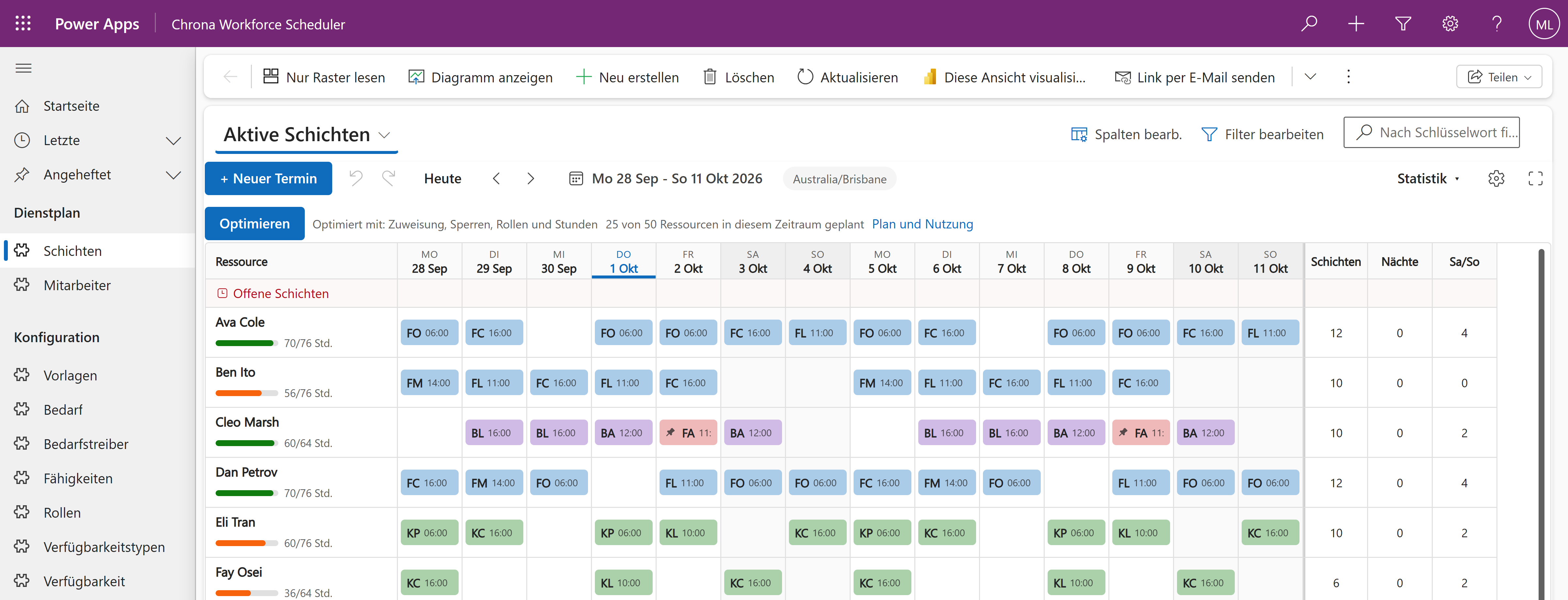
Rostering for deskless and frontline teams in Power Apps, with Auto Schedule built in. You set up the teams, the roles, the skills and the cover you need. Auto Schedule proposes the roster against your rules, and you review it and publish it.
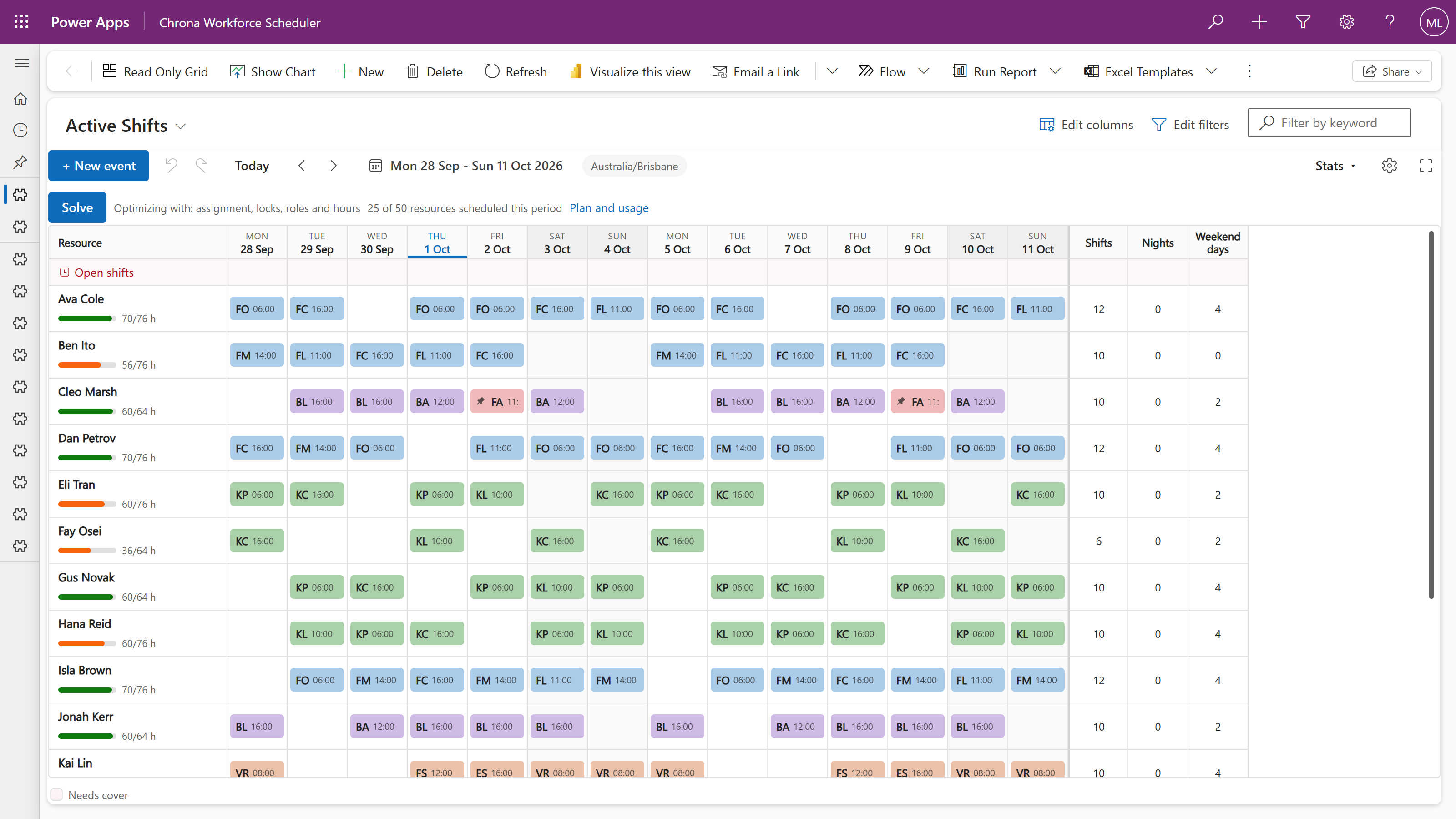
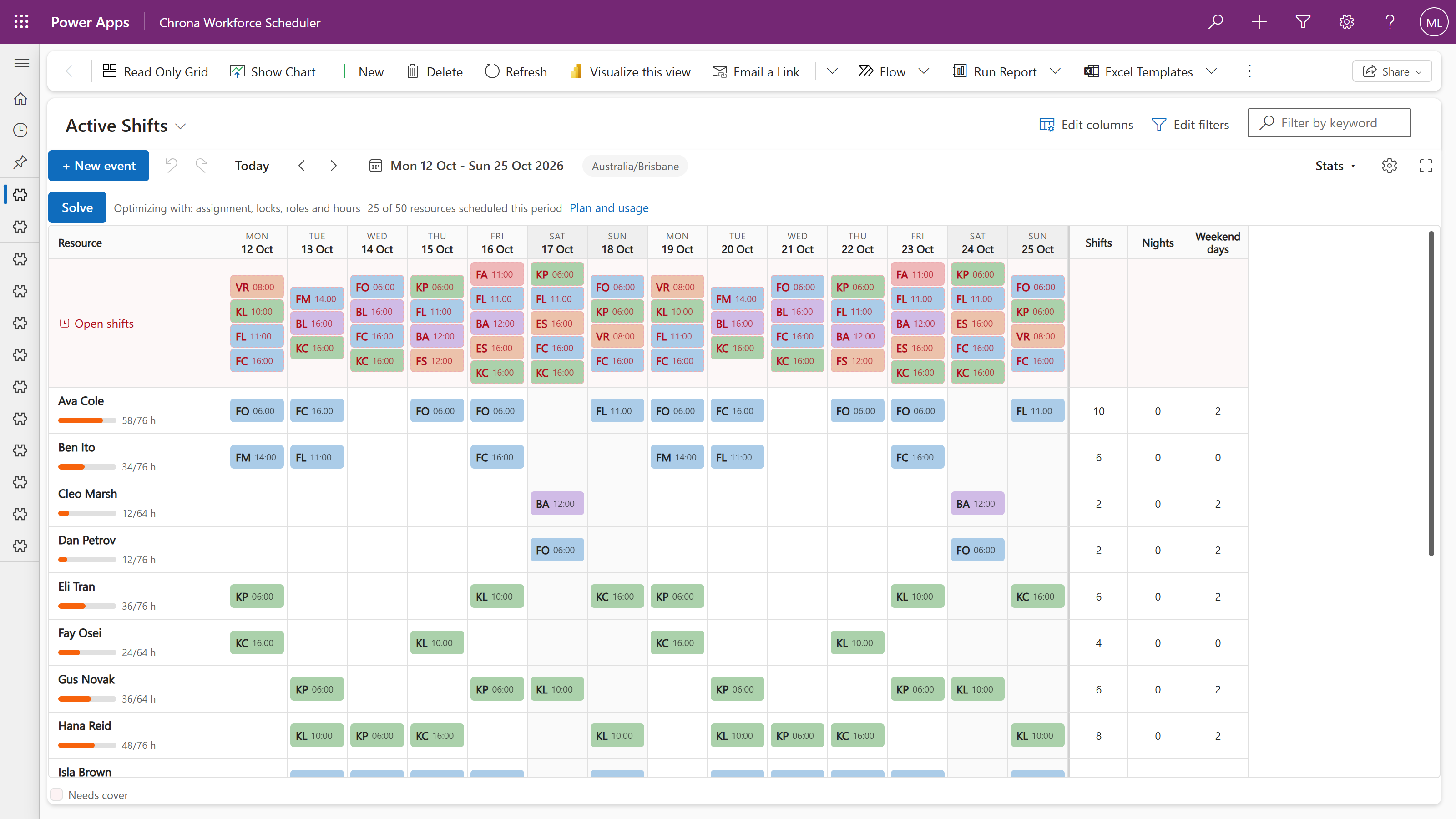
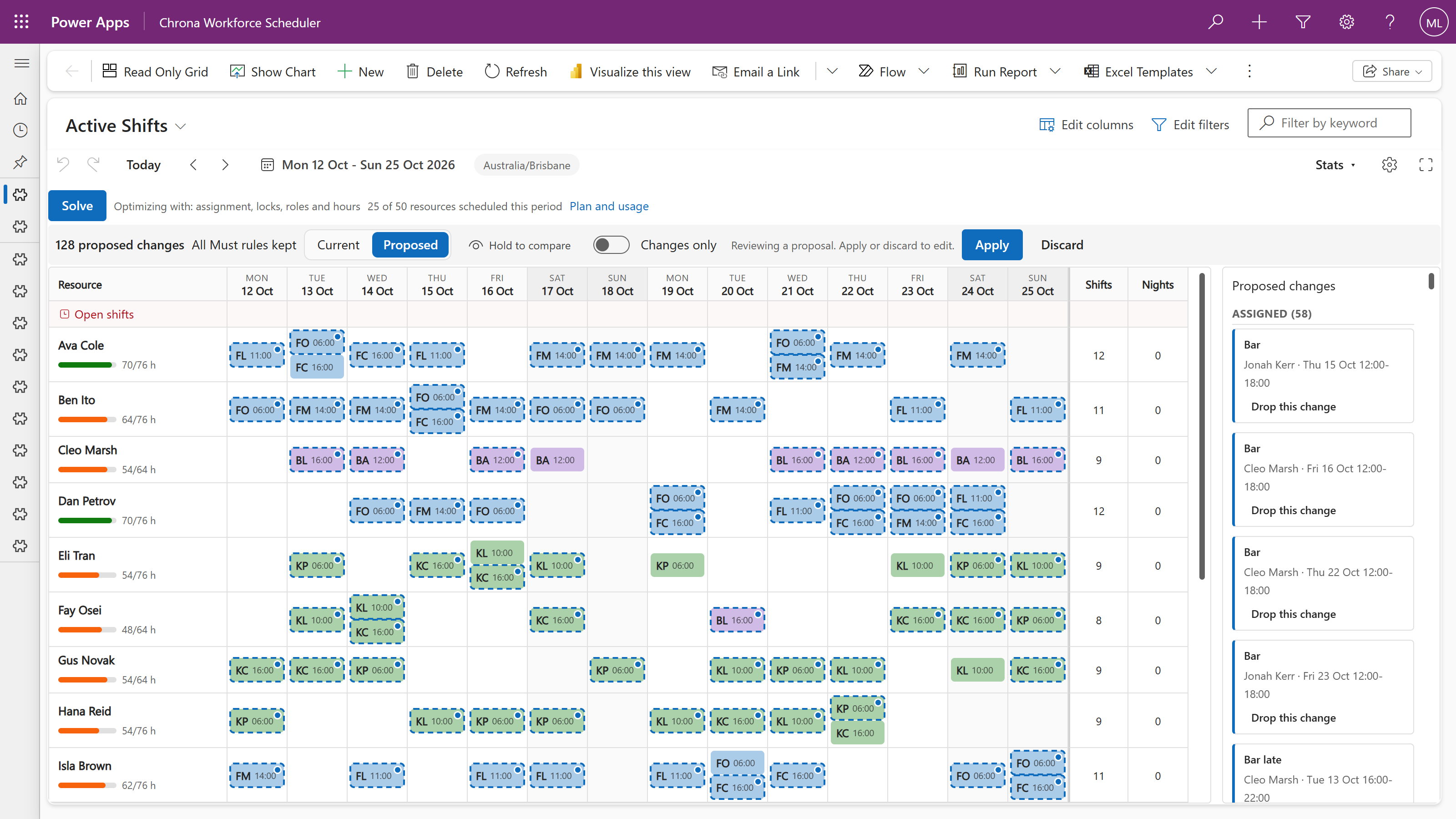
Where some platforms cap one request at 3,000 jobs, one Chrona run fills over 14,000 shifts.
Measured on test rosters with skills, contract hours, pay rates and leave, every shift open at the start, on the same solver your rosters run on.
Open an area to see what each feature does.
Auto Schedule, rules and agreements, demand, shift types, goals, what-if scenarios, roster periods and fair share.
One page per worker: availability and leave, preferences, groups, allow and deny lists, role pairing and contracts.

Chrona Workforce Mobile: their schedule, open shifts, swaps, leave, availability, picks and timesheets.

Hours against capacity, the hours balance, public holidays, overtime, payroll exports and statutory staffing reports.

Chrona Workforce Scheduler is a managed solution in your own Dataverse, next to your other apps on Dataverse, including Dynamics 365 Sales, Customer Service and Field Service.
Power Apps Dataverse
 Power AutomatePower Platform
Your AI agent reads your award or enterprise agreement and turns its working-time clauses into rules that Auto Schedule keeps.
Works in Copilot Studio, or in any agent with Model Context Protocol (MCP) and Dataverse tools.
Your agent reads the agreement and proposes each rule with the clause it comes from.
You check each rule and its clause. Nothing is added until you confirm.
Your agent adds the agreement and its rules to your Dataverse, and links each worker to it. Chrona gets only the rules you confirmed, never the document or anyone’s name.
Auto Schedule rosters inside the rules. Each rule names its clause.
Big rosters, Chrona Scheduler and on-call duties.
Yes. A run's time grows with the number of workers, and it stops as soon as it stops finding a better roster.
No. The Chrona Workforce Scheduler download includes it. If you already use the free scheduler, the import updates it.
Yes. A shift type can be on call at the workplace or on call from home. Auto Schedule, a constraint solver built on Timefold, fills the required duties inside every Must rule. On call from home counts as working time only for its call-ins. Workers record each call-in in Chrona Workforce Mobile, and the export gives payroll each duty and each call-in. Chrona does not calculate on-call allowances; your payroll system does.
Download from the Chrona Portal and roster your first five workers free, in your own Power Apps.