
Reads your agreement
Proposes each working-time rule with the clause it comes from. The document stays with your assistant.
 Copilot for staff scheduling. Inside Power Platform.
Add the Chrona MCP server to a Copilot Studio agent. It sets up Chrona Workforce Scheduler with you, and it runs on the model you choose, GPT or Claude.
In Copilot Studio, create or open an agent in the environment where Chrona is installed.
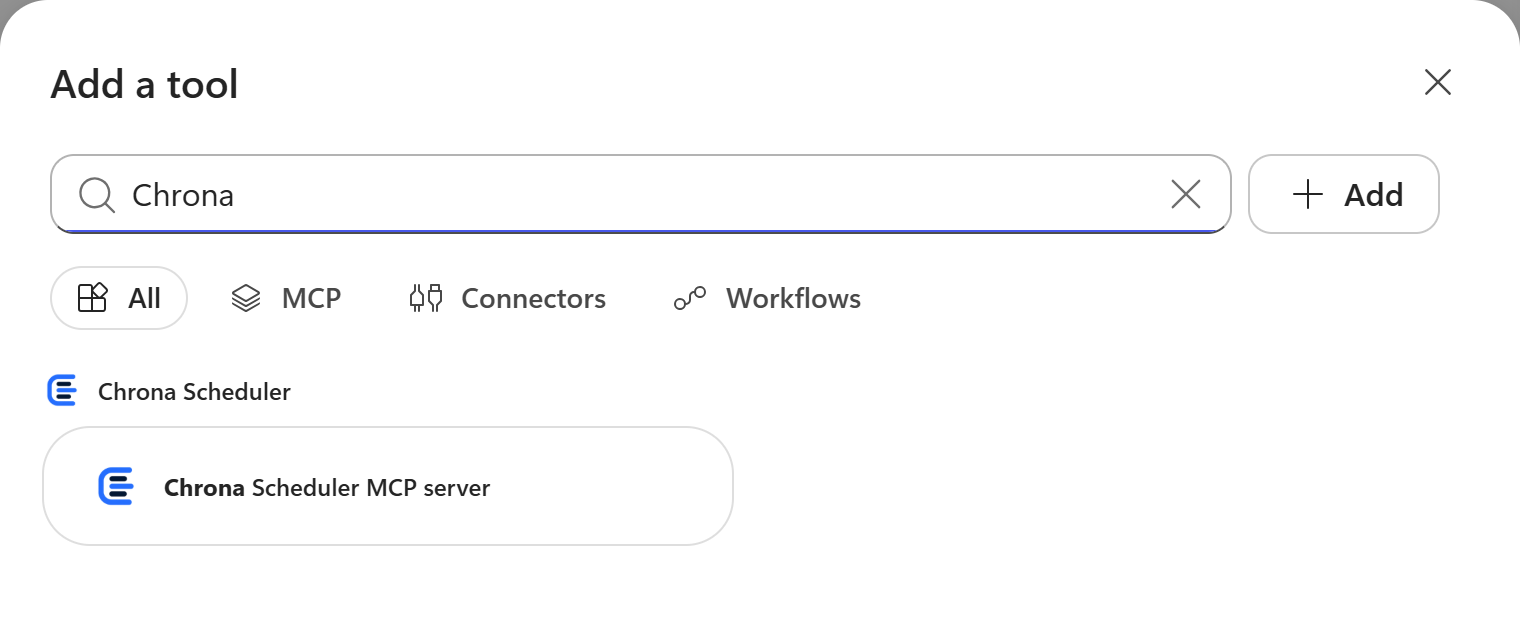
In Add a tool, type Chrona and pick Chrona Scheduler. Or add https:// as an MCP server. It needs no Chrona sign-in.
Add Microsoft’s Dataverse MCP server from the same list. The agent makes every change with it.
Keep the default, or pick a Claude model on the agent’s Overview page after your admin allows Anthropic models.
Copy the prompt into the agent’s test chat. The agent asks before each change.
Use the Chrona MCP server at https://mcp.chrona365.com/mcp and my Dataverse tools. If the server is not connected, help me connect it first. Read the agreement I attached and propose the rules for Chrona Workforce Scheduler, each with its clause number. Show me the list and wait for my OK before you write anything.
The Chrona MCP server gives your assistant the guides and the steps. Your assistant asks, then makes each change with your Dataverse tools.
Proposes each working-time rule with the clause it comes from. The document stays with your assistant.
Checks how your Excel roster’s codes and columns map to shifts, workers and leave.
Builds the export format and your payroll codes from a sample file you give it.
Prepares the CMS PBJ or PpUGV report with the codes for each role.
Adds on call at the workplace and on call from home as shift types, with their coverage.
Gives you a link to the board on the day you name. Nothing runs until you press Auto Schedule.
The Chrona MCP server gives guidance and plans. It makes no change in your environment.
A roster must keep every Must rule for every worker across the whole period at once. Auto Schedule, a constraint solver built on Timefold, does that. You review its proposal before you publish.
Copilot sets Chrona up and opens the board. Auto Schedule, a constraint solver built on Timefold, builds the roster within every Must rule. You review it and publish.
Yes. After your admin allows Anthropic models, pick a Claude model on the agent’s Overview page. The Chrona tools work the same on any model.
After you import the Chrona solution, type Chrona in Add a tool and pick Chrona Scheduler. You can also add https://mcp.chrona365.com/mcp as an MCP server.
No. It holds no credentials for your environment and makes no change. Your agent makes each change with Microsoft’s Dataverse tools, under your identity.
The Chrona MCP server is free. Copilot Studio conversations use Microsoft’s Copilot credits. Chrona Workforce Scheduler is priced per worker.
Both. It installs and configures the free Chrona Scheduler, and it sets up Chrona Workforce Scheduler.
Start Chrona Workforce Scheduler, then connect your assistant.
 Claude for staff scheduling in Power Apps
 ChatGPT for staff scheduling in Power Apps